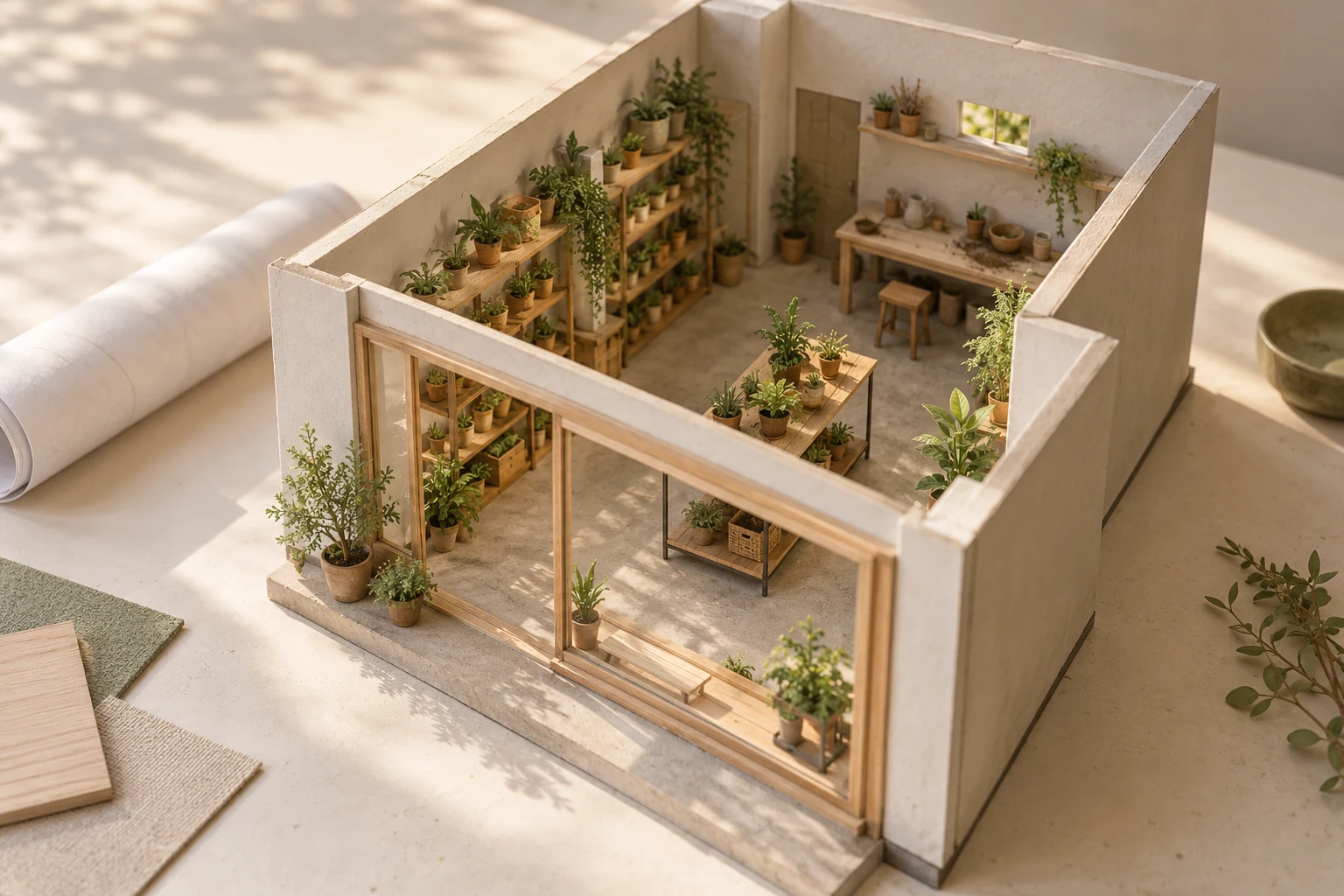
- Genie 4 is a research preview for trusted testers; broader access and a production website integration should not be assumed.
- An imagined shop can help people discuss an experience. It cannot verify dimensions, demand, access or construction feasibility.
- Before investing in an immersive prototype, define the decision and see whether a simpler concept page answers it.
Prepared with AI-assisted research and source checks on October 27, 2026. The plant shop and research exercise are illustrative. Genie 4 was not tested for this article; proposed business uses are analysis, not verified product integrations.
A new way to sketch a place
On October 27, 2026, Google DeepMind announced Genie 4, a model that generates interactive environments as people explore them. Google describes text instructions that can change a scene while it runs, alongside generated sound and dialogue. Think of a scene you can move through and influence, rather than a finished video with one fixed sequence. [1] (opens in a new tab)
The access distinction matters. At publication, Genie 4 is a research preview for trusted testers. Google says access is coming to Google AI Ultra subscribers through Project Genie and to early-access partners using the Gemini API and Google AI Studio. The announcement provides neither a firm general-release date nor Genie 4 API pricing. It does not establish a ready-made widget for an ordinary business website. [1] (opens in a new tab)
So this is a reason to consider a new kind of planning tool, not a recommendation to buy a subscription today. A shop owner could eventually use this category of technology to discuss an atmosphere, a route through a room or a customer experience. Whether Genie 4 handles a particular brief well still needs testing.
Two owners, one empty storefront
Imagine two people planning a small plant shop. One wants quick visits: find a plant, choose a pot and leave with something manageable. The other imagines a slower experience, with a potting table where visitors can ask questions and join a workshop. They agree on the word “welcoming.” They disagree about what the business should feel like.
Their first decision is not the exact position of every shelf. It is whether a workshop belongs at the center of the experience or quietly at the back. An explorable concept might help them notice what a written description leaves vague: does the visitor see a shop, a classroom or an unclear mixture?
For an early exercise, the owners could prepare two simple concept views using the same assortment and visual style. In one, the workshop table is prominent. In the other, the retail display leads and the workshop appears later. Keep the difference small enough that a reaction has a useful explanation. This is a proposed exercise, not a report of a Genie 4 experiment.
The workshop comes first
A shared potting table is the first thing a visitor notices.
Ask: would you expect to join a class or shop freely?
The plants come first
Displays lead the visit; the workshop sits beyond them.
Ask: would you notice that help and workshops are available?
Invite a few prospective customers to explain what they think happens here before you tell them the answer. Ask what they would do first, what they would need to know and which part feels confusing. “Which looks prettier?” can be useful feedback, but it is a different question from whether people understand the offer.
A generated crowd enjoying the workshop would not answer either question. Those people are part of the imagery. They are not evidence that anyone will attend, pay or return.
The moment a useful sketch becomes a misleading tour
Google’s model page says Genie 4 cannot reproduce real-world locations perfectly. Details and objects can change as a session continues, particularly after complex edits or navigation. The listed limitations also include short interaction duration, text rendering and audio accuracy. A scene looking convincing is therefore not evidence that it preserves a real property. [2] (opens in a new tab)
For the plant shop, an invented gap beside a display could make the room seem easier to move through. A window might suggest daylight that the leased unit does not receive. A welcoming hum of conversation would not establish the actual acoustics. These are examples of questions a visual concept cannot settle, not failures observed in a test.
Use actual measurements and appropriate professional review for layout, construction and access decisions. Confirm lease details with the relevant parties. For an existing business, use current, permission-cleared photographs or a deliberately captured tour to show the premises, and check that the presentation still matches the place. Even recorded imagery can become outdated.
If a concept goes on the website, put its status next to the image: “Proposed plant shop — exploring the idea, not open for visits.” Keep the real status, location uncertainty and next step in ordinary page text. A beautiful imagined room should not quietly become a promise that customers can walk into it next Saturday.
What you could put on a website now
The owners do not need to wait for Genie 4 to find out whether their offer makes sense. A small concept page could show the two directions, explain the proposed shop and workshop, and invite people to request an update. Use the same questions for each version. Make clear that an expression of interest is not a booking, a purchase or a commitment to open.
The builder’s job is to make the idea understandable and the response useful: approved concept images, a clear description, a short optional feedback form and a reliable way to manage permission for future updates. Collect only what the exercise needs. A name and contact detail do not belong in public results or analytics event labels.
If richer exploration later becomes available, add it only after checking the relevant access, commercial-use terms, output-sharing options, usage limits and costs. A third-party interactive embed also introduces loading, privacy and maintenance questions. The existing concept page should remain useful if the experiment stops working.
Keep navigation and feedback usable from a keyboard, with visible controls that people can understand without learning game commands. W3C explains why functionality needs a keyboard equivalent; a visual walkthrough should not become the only route to the information or the form. [3] (opens in a new tab)
Write descriptions that convey what each image is meant to show. W3C’s image guidance distinguishes a short meaningful alternative from complex information that belongs in the page itself. Here, the workshop’s role and the proposed customer journey should be readable even when someone cannot see or chooses not to explore the scene. [4] (opens in a new tab)
Decide what would make the experiment worthwhile
Before showing anything, the two owners should write down what they will change in response. If people mistake the workshop-led concept for a members-only studio, perhaps the offer needs clearer wording. If people understand both versions but want to know about plant-care advice, that might be a more important service decision than the location of the table.
Keep a simple record of the questions people could answer, the misunderstandings that repeated and the time spent preparing and reviewing the concepts. Compare that with a plain description and still images. An interactive scene has earned its place only if it reveals something useful enough to justify the additional work. A small informal exercise offers clues, not a forecast of sales.
The biggest cost may be the decisions around the image: defining the offer, checking what is real, revising the material and maintaining an honest public presentation. If the owners only need to compare two layouts, a measured plan and a conversation with a designer may be more useful. If the uncertainty is whether people want the service, conversations and a clearly described interest page should come before a polished virtual world.
Genie 4 makes the imagined shop more tangible as a possibility. The business value would come from what the owners learn while exploring it—and from knowing when to put the simulation aside and check the real world.
Sources & further reading
Sources used in this guide. Checked October 27, 2026. Study dates and scope are shown where they affect the interpretation.
- 01Genie 4: A new generation of world simulation (opens in a new tab)Google DeepMind
October 27 announcement, preview access and vendor-described capabilities. Not independent testing.
- 02Genie 4: availability and limitations (opens in a new tab)Google DeepMind
Checked October 27: restricted preview, short interactions, drifting details and imperfect real-world location accuracy.
- 03Understanding keyboard operation (opens in a new tab)W3C Web Accessibility Initiative
WCAG 2.2 explanation of keyboard-equivalent functionality; not certification of an experience.
- 04Choosing useful image text alternatives (opens in a new tab)W3C Web Accessibility Initiative
Guidance on meaningful alt text and providing complex visual information in the surrounding page.